
Instructions
Thank you for purchasing BiteBuddy. This page explains how to customize and manage the template.
Template Structure
Pages Included:
All custom graphics, illustrations, UI components, mockups, and visual assets used in this template were originally designed in-house using Figma specifically for BiteBuddy.
These assets are proprietary and may not be redistributed, resold, or reused outside this template without permission.
- Home
- Review
- Style Guide
- Licenses
- Changelog
- Instructions
CMS Content
CMS Collections:
To edit customer reviews:
- Open the CMS panel.
- Select the Reviews Slider collection.
- Update review text, customer name, rating, and image.
- Publish your changes.
All review cards update automatically across the website.
GSAP Animations
This template uses Webflow Interactions with GSAP (new) for enhanced animations and smooth transitions.
To modify animations:
- Select the animated element.
- Open the Interactions panel.
- Edit the GSAP animation settings.
- Save and publish your changes.
Please test animations after editing to ensure proper behavior across devices.
Custom Code
This template includes custom CSS for styling enhancements and layout refinements.
Custom code locations:
- Site Settings → Custom Code
- Page Settings → Custom Code
Modify custom code carefully to preserve template functionality and responsiveness.
Support
Need Help?
For Webflow tutorials and documentation, please visit:
https://university.webflow.com
For template-related customization, refer to the Style Guide and Licenses pages included with this template.
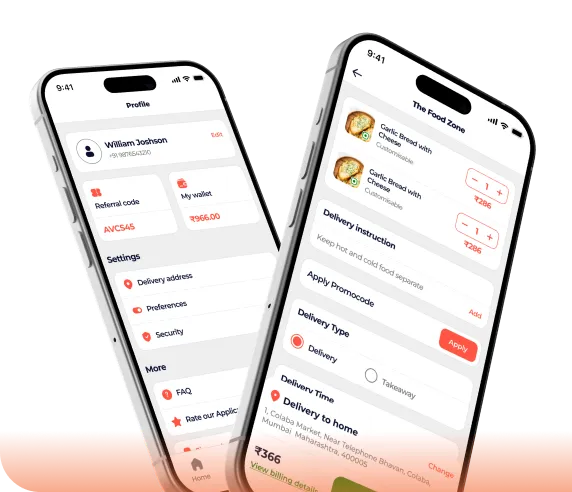
Download the Mobile App
Showcase your app and encourage users to download it from their preferred platform.